


Multi Select Actions
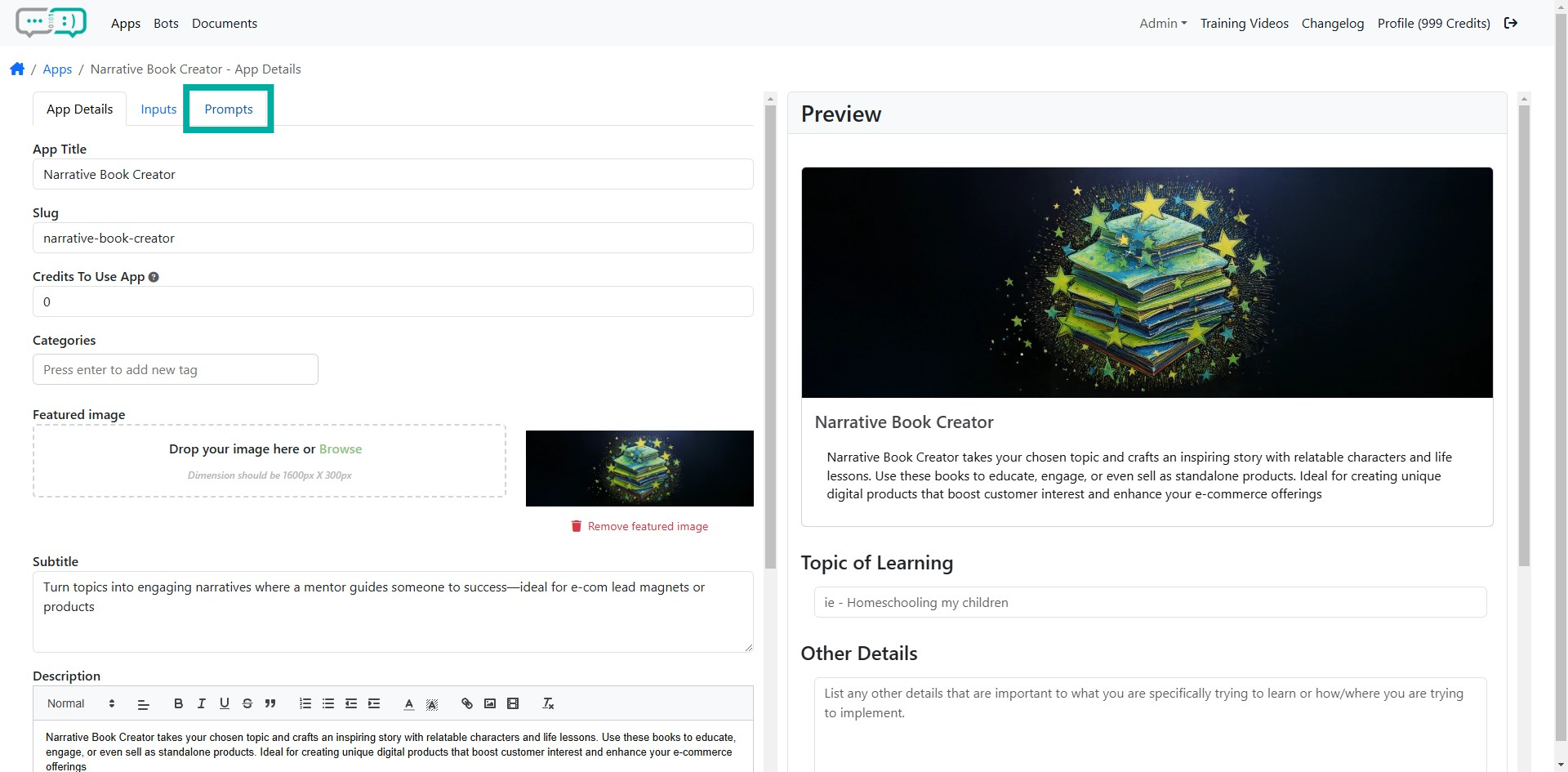
Step 1: Click Prompts Tab
From the App Details, locate and click the Prompts tab at the top.
Step 2: Select the Prompts
Tick the checkboxes on the left to select the prompts to take action on.

Step 3: Take Action
The top action bar allows you to take bulk action on multiple prompts at a time.